
Availability: In Stock
Now a days it is easy to stream live content with your smartphone, but making your broadcasts look professional takes more effort, That’s why Roland has introduced GO:LIVECAST, a Live Streaming Studio for Smartphones, a simple and affordable gadget for live webcasting.
Livestreaming has become incredibly popular in recent years. People of all kinds are sharing their talents for video games, makeup, cooking, animal training, and the ever-popular battle royale, Fortnite. Getting in on the streaming action usually involves buying a slew of expensive A/V equipment and a beefy computer, but what if there was a better way? The GO:LIVECAST Smartphone Streaming Studio from Roland makes it easy for creators of all kinds to share their content right from a smartphone or tablet. Simply plug it into your device and gain hands-on control over your camera, sound effects, video effects, external microphones, and more. This affordable interface takes all the hard work out of creating a professional-looking stream and is compatible with all major streaming platforms. Take it from Sweetwater: the Roland GO:LIVECAST Smartphone Streaming Studio is a simple and affordable way to rival the pros and take your stream to the next level.

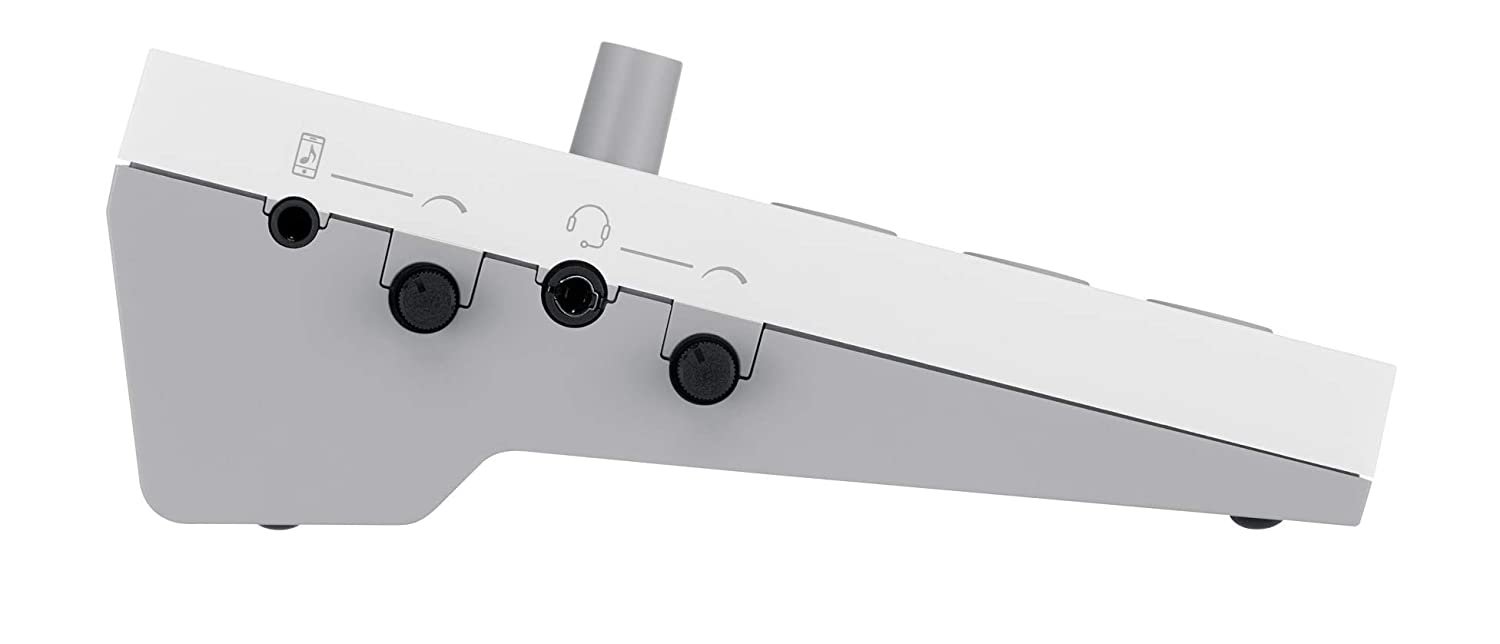
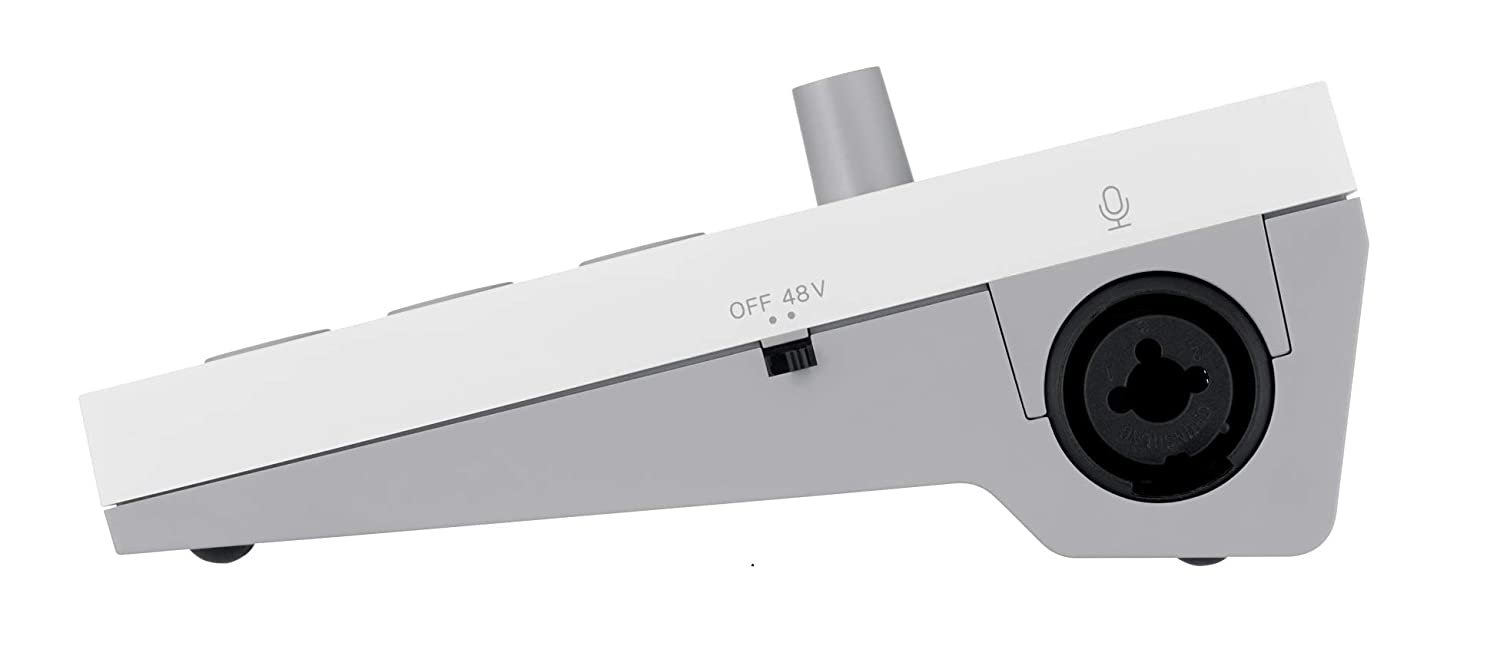
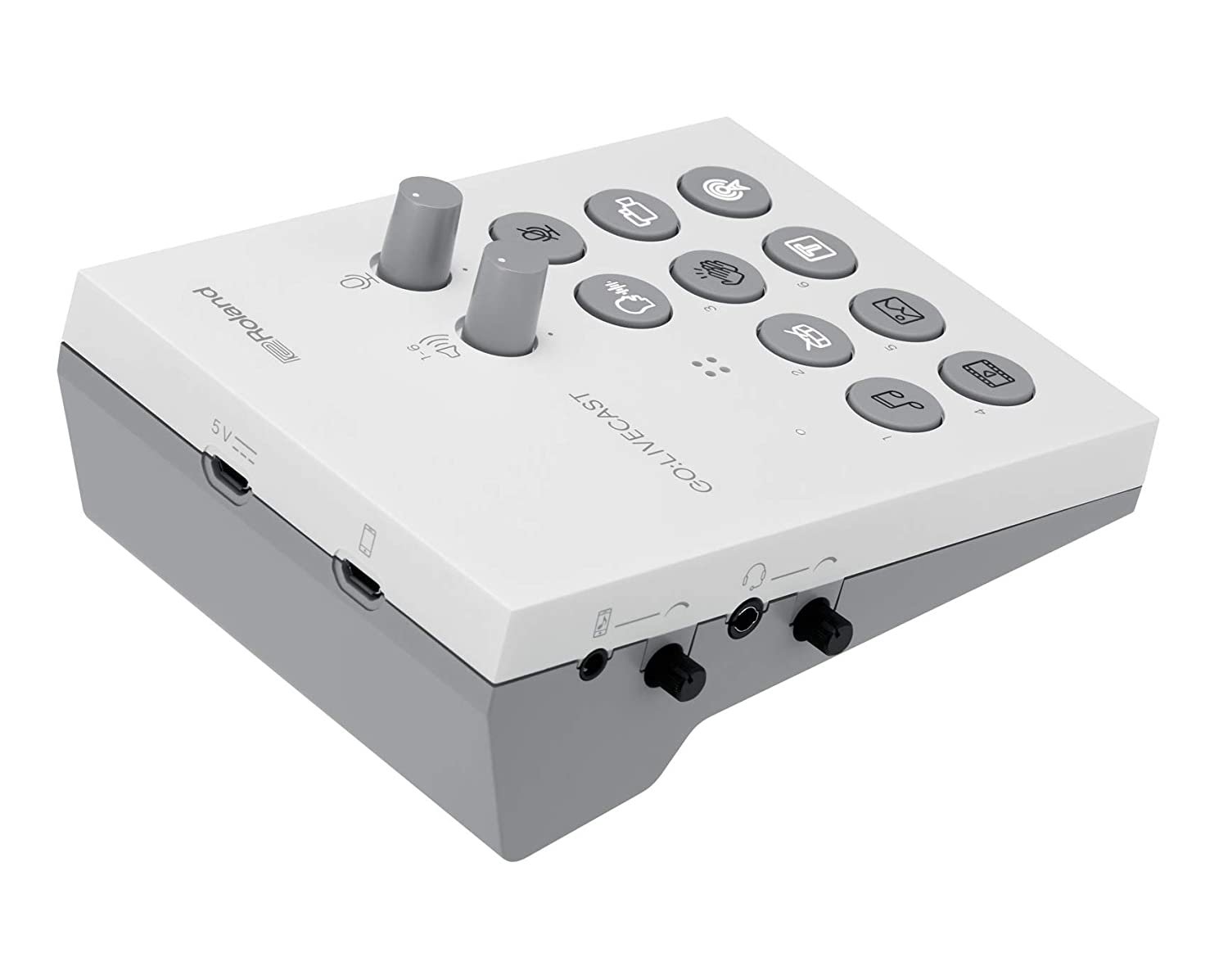
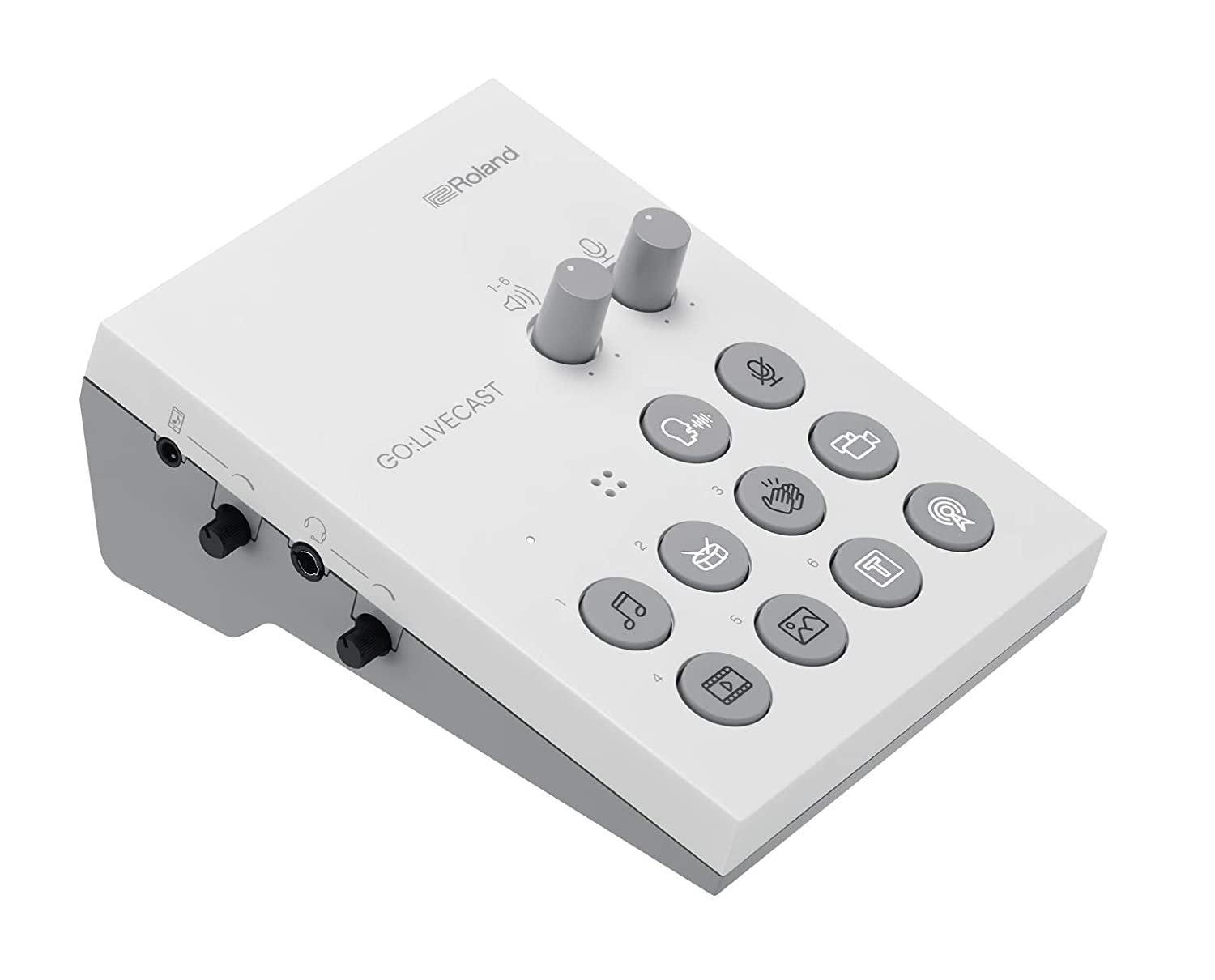
The GO:LIVECAST is super simple to use. Just plug in your smartphone, connect your headphones, and you’re ready to go! If you don’t have any external gear, you can still stream, thanks to the built-in mic that delivers high-quality audio with optional reverb. For more impressive audio, plug in a mic, guitar, or synth into the combination TRS/XLR input. The GO:LIVECAST has an intuitive control layout. With a single touch, you can start your broadcast, play music, launch sound effects, and more. The two-volume knobs and a mic-mute button give you easy control over the mic and media levels.
When they designed the GO:LIVECAST, Roland made sure that all streamers could use it on their favorite streaming platform. No matter where you stream, you can use the Roland GO:LIVECAST because it’s compatible with Twitch, Facebook Live, YouTube, and other major platforms. If you use multiple platforms, the GO:LIVECAST app has it handled. The app logs directly into all of your streaming accounts, so when it’s time to go live, you just have to pick a platform to launch the stream. A helpful scrolling window shows your chat in the app in real-time.a
Via a simple, customizable control layout, the GO:LIVECAST hardware lets you direct your live presentations and stay fully engaged with your audience. All it takes is a touch to start broadcasting, play music, display titles, launch photos and videos—or even trigger some applause at the end of the show! Knobs provide quick control of mic and media volumes, while the mic-mute button will keep coughs and unwanted sounds out of your livestream.
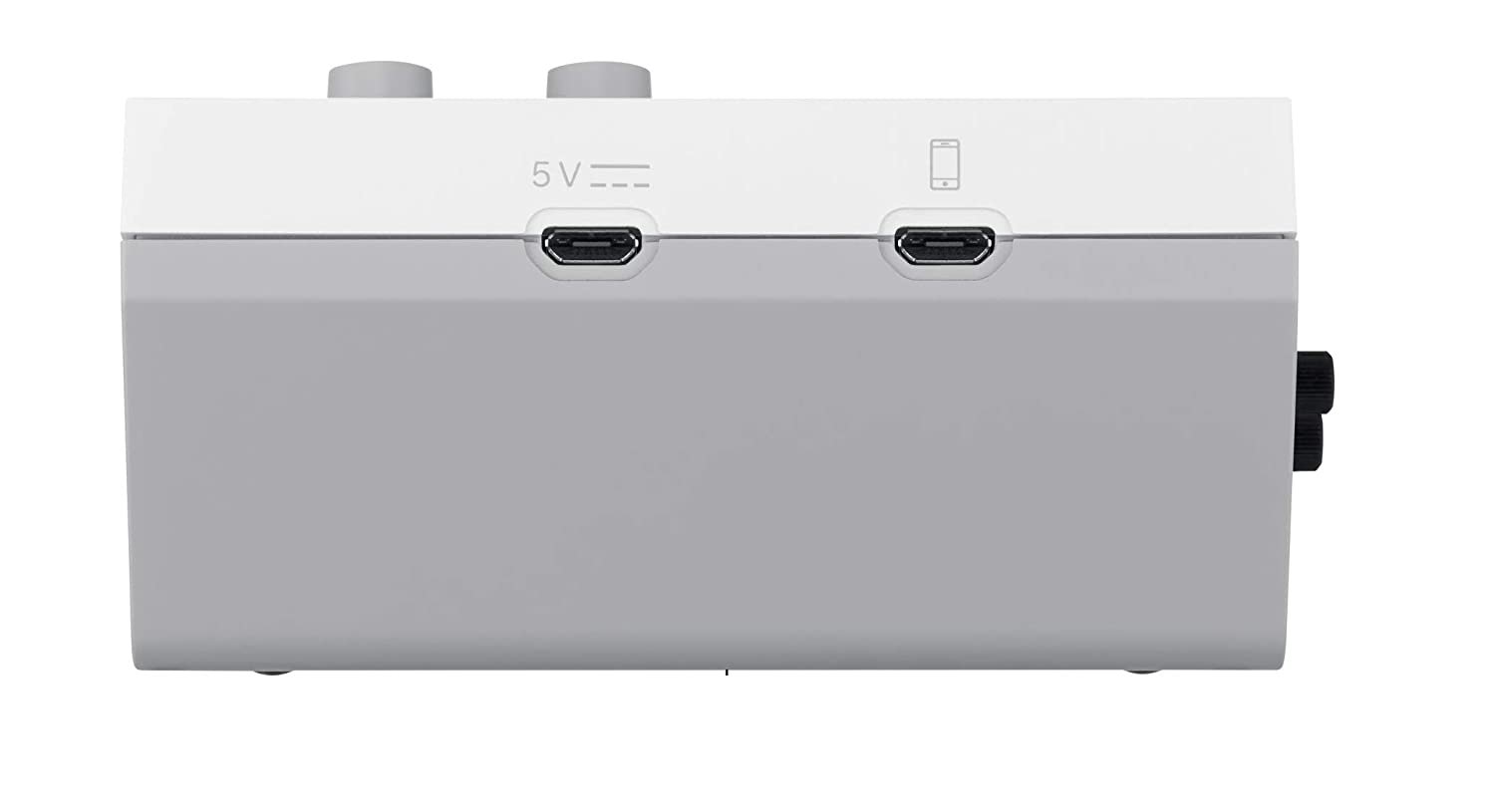
| Video inputs | 1 x USB Micro-B (iOS/Android smartphone) |
|---|---|
| Audio inputs | 1 x 1/8" (line in), 1 x Internal Mic, 1 x XLR-1/4" combo (mic) |
| Headphones | 1 x 1/8" TRRS (headphone/headset mic) |
| Effects | Applause, Beauty Filter, Drum roll, Laughter and additional sound effects, Reverb |
| Software | GO:LiveCast App (iOS 13 or later, Android 9 or later) |
| Power source | 5V USB Micro-B Power Adapter (cable included, adapter sold separately) |
| Height | 2" |
| Width | 4.2" |
| Depth | 5.4" |
| Weight | 180 g |
Reviews
There are no reviews yet.